

This is a short guide on how to add a bank account to the Xero accounting package.
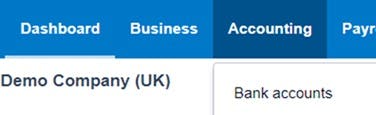
From the Accounting drop down menu, select the Bank Accounts option.
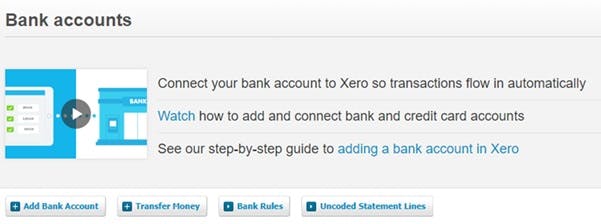
Next, you will see any business bank accounts that are already linked to Xero. Select the Add Bank Account option.
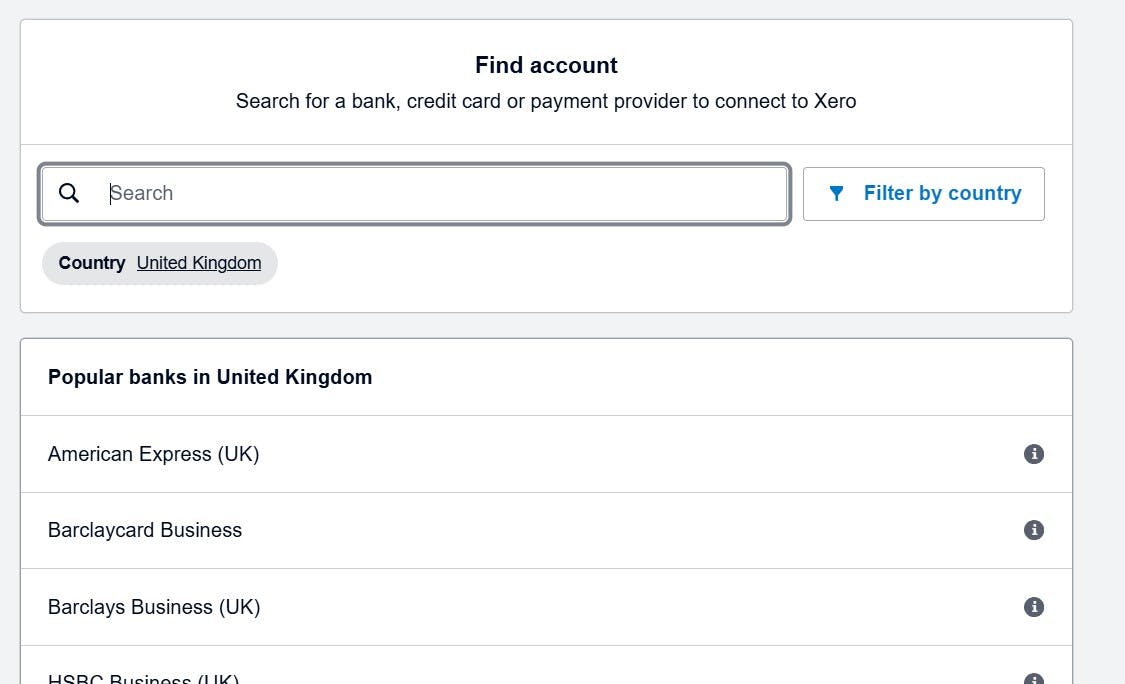
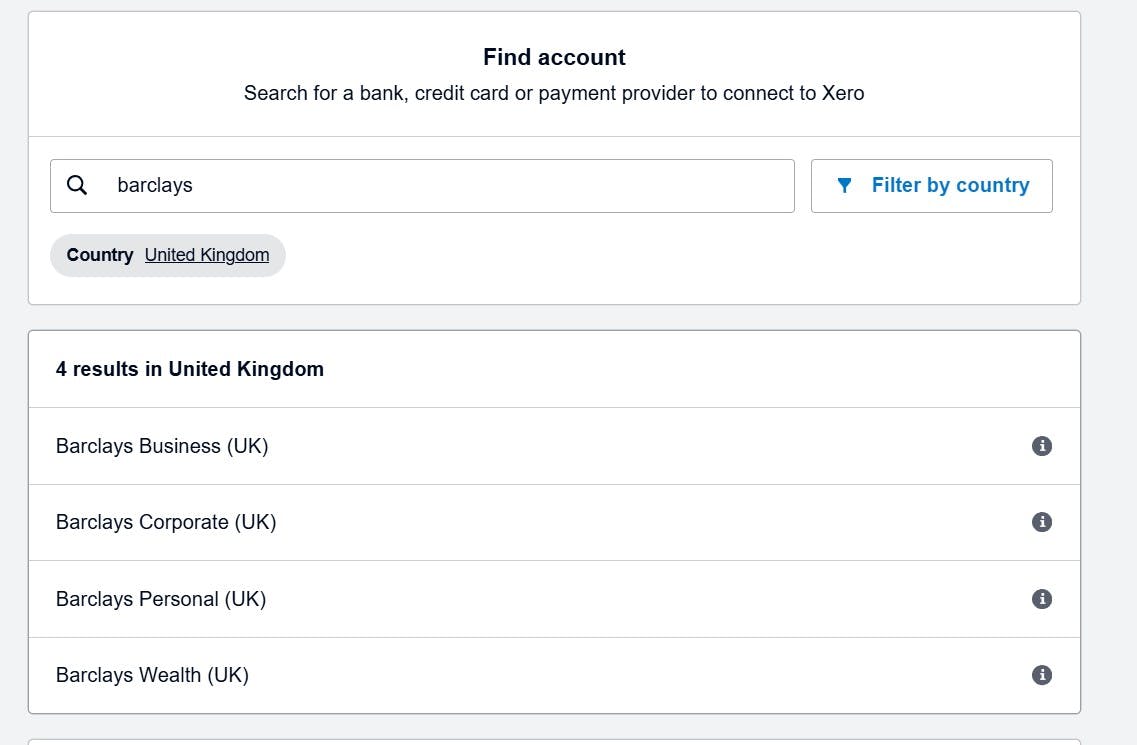
When prompted, type in the name of the bank with which you have the account. Most banks are supported but all integrate in a slightly different way. As a result, Xero needs to know which bank you are trying to connect to.
Once selected, enter the details of your bank account. The account name does not need to be the name on the account, but can be one that helps you easily distinguish it from any other bank accounts you may have.
From here, follow the on screen prompts on how to finish linking your account.

